

Securely Access On-Premises Systems from the Cloud
One of the most challenging issues in IoT is how to securely access on-premises OT systems from a remote IT environment. Key concerns include:
- Which personnel can access which OT sites?
- Which personnel can access which devices or systems within a site?
- Are user accounts and passwords actively managed to meet information security standards — such as MFA requirements and periodic password changes?
- Is the remote access service disabled by default to comply with the Least Privilege Principle in information security standards?
- Are remote host passwords generated fresh each time a session is initiated, to prevent multiple users from sharing the same password and ensure uniqueness as required by security standards?
- Are the operations performed by personnel on remote hosts recorded and available for audit?
Remote Desktop Services
Subtitle for This Bl
Text for This Block
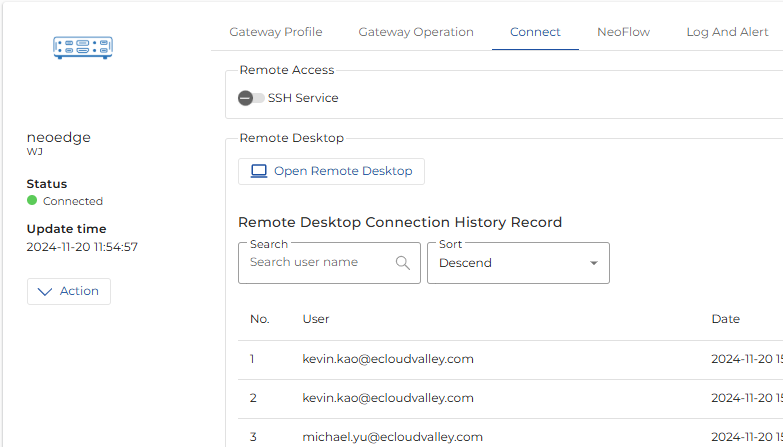
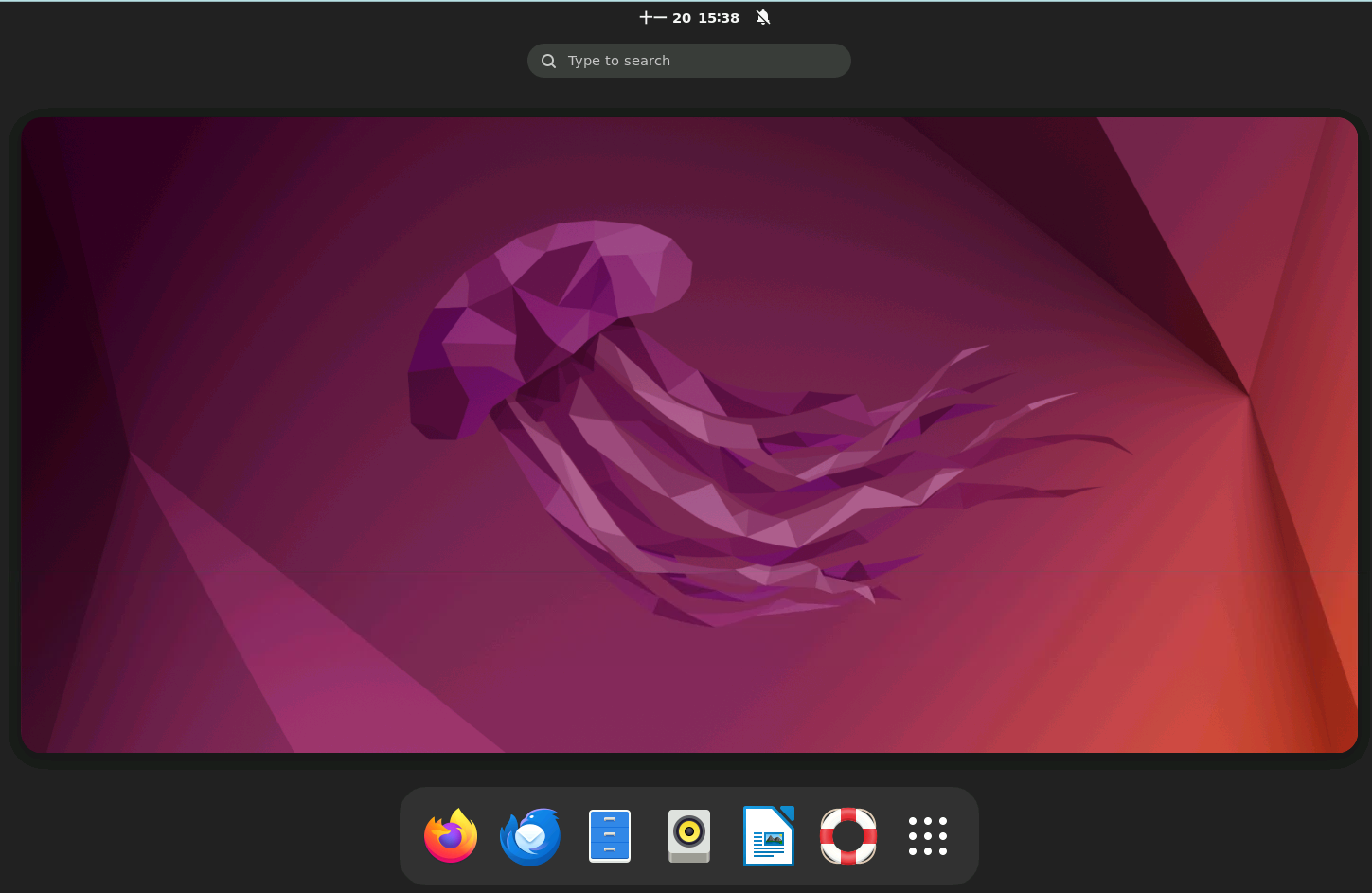
NeoEdge Central RDP (Remote Desktop Service) provides a secure, simple, and convenient service that allows you to access OT sites from anywhere, enabling desktop access to other devices and systems through a host within the site. Key features of NeoEdge Central RDP include:
1. Centralized User Authentication and Permission Management
Administrators can use NeoEdge Central's project management, user management, and role management features to define access relationships between personnel, sites, and devices/systems. For example:
- A Multi-Site architecture isolates different OT sites, ensuring physical separation of data and transmission.
- Projects isolate devices/systems within a site and are assigned to authorized personnel. After logging in, users can only access the devices/systems they have been authorized to use.
- External vendor accounts are disabled by default and can be activated through an approval process, then disabled again after use.
- All accounts are required to enable MFA to strengthen security measures.
2. No Client Software Installation Required
NeoEdge Central RDP uses a web browser as the user interface, eliminating the need to install any client software. This reduces management overhead and removes risks associated with software updates and virus infection.
3. Connect to Other Devices and Applications Within the Site
NeoEdge Central RDP requires deploying a Gateway host to the OT site. Once authenticated and authorized through NeoEdge Central, users can access via the Gateway host:
- Open a browser to connect to other devices/applications
- Open a Terminal to connect to other devices via SSH console
- Open RDP to connect to other operating systems
- Launch applications installed on the Gateway host
4. Supported Gateway Host Configurations
NeoEdge Central RDP supports:
- X86/64 CPU – Ubuntu 22.04 Desktop OS LTS
- X86/64 CPU – Windows 10/11 OS
- X86/64 CPU – Windows Server 2022
5. Remote Operation Footprint and Audit Log
5.1 Screen Recording
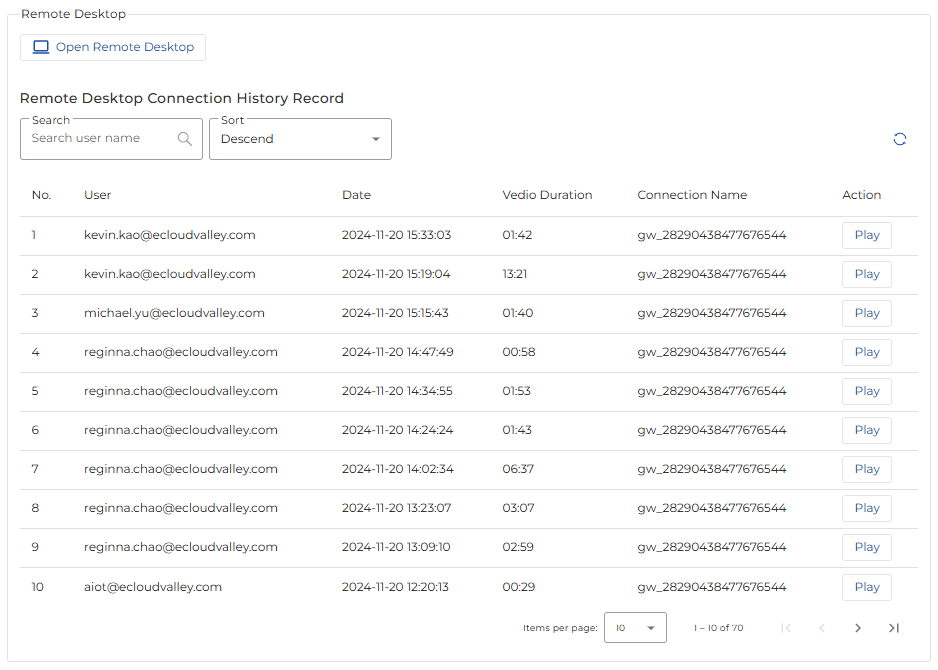
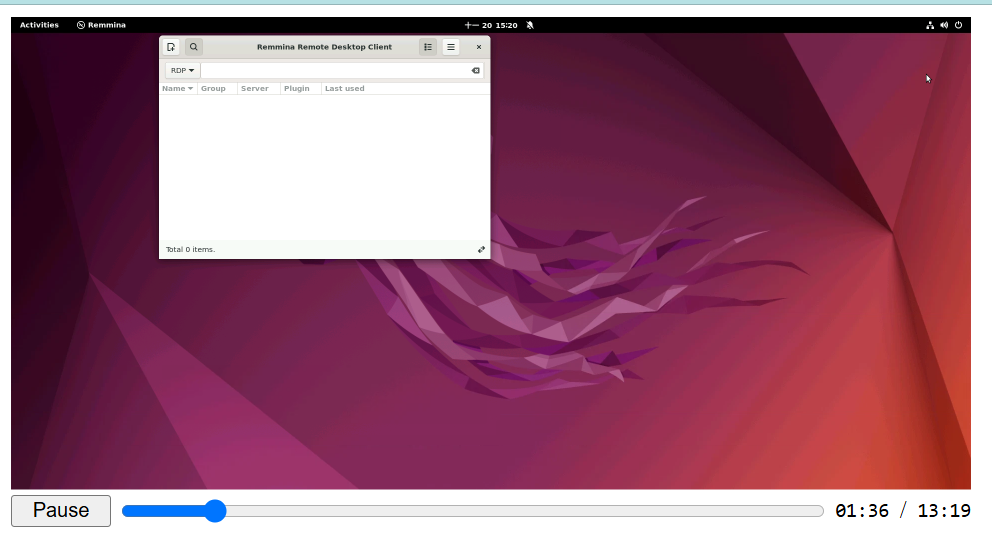
Once an authorized user initiates a Remote Desktop session, NeoEdge Central automatically activates screen recording to capture every operation performed during the session. The recorded data is encrypted and securely stored. Administrators can search, replay, and download these session recordings directly from NeoEdge Central.
5.2 Audit Log
All significant activities performed after a user logs into NeoEdge Central are recorded in the Event Log. Administrators can search and export these activity logs from within NeoEdge Central.